ChromeOS 75.0.3759.4 Rolling out to the Dev Channel – Backup your Crostini Instance Before Rebooting if you Enable the GPU
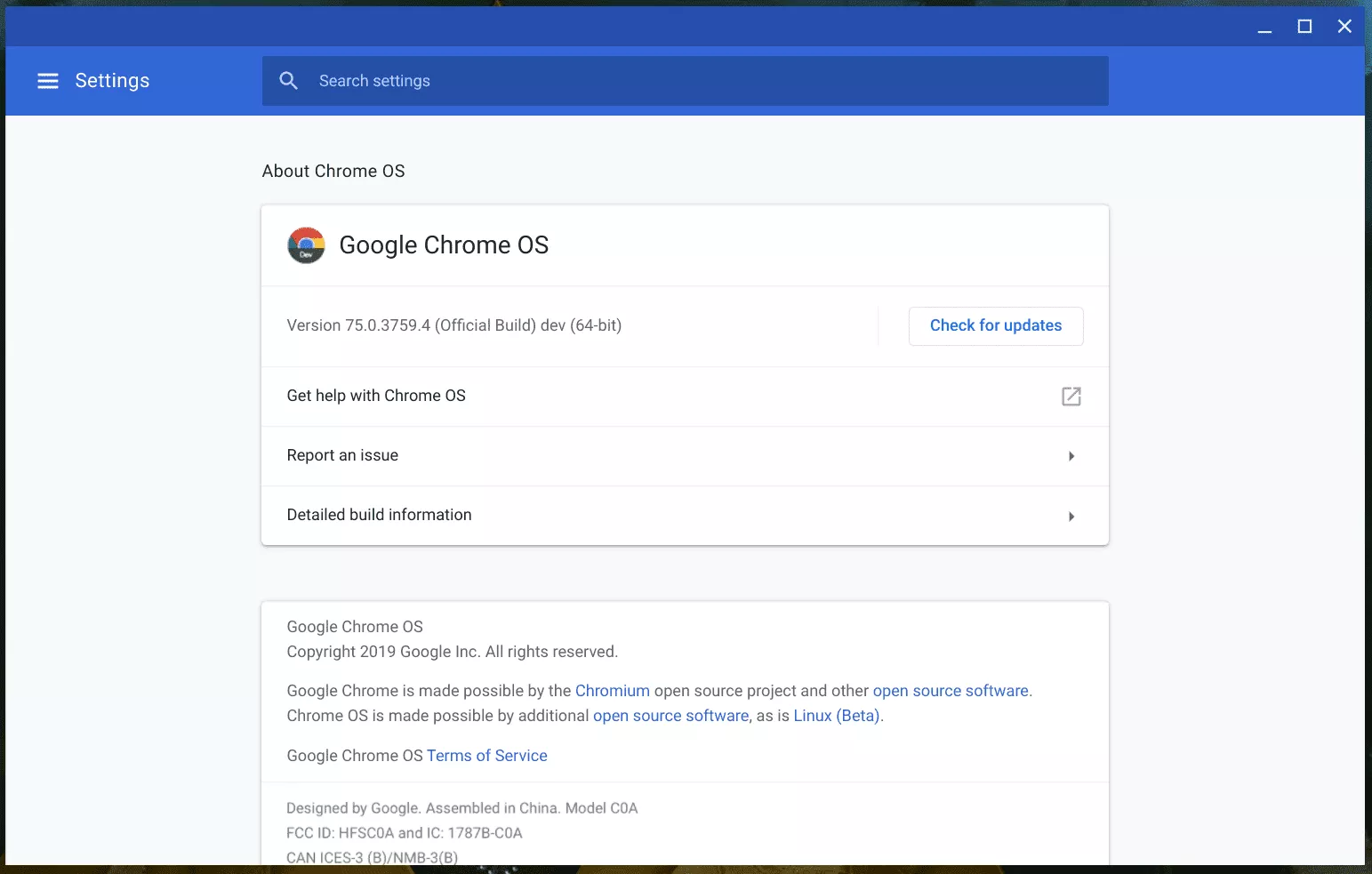
ChromeOS 75.0.3759.4 is currently being rolled out to users in the dev channel. Unfortunately if you have chosen to enable the GPU, your Crostini instance may no longer function. You may get the following error message when launching Termina via crosh
Archived — this post is kept for reference and may be out of date.
Error: routine at frontends/vmc.rs:118
vm_start(vm_name,user_id_hash,matches.opt_present("enable-gpu"))
Fortunately this can be fixed by disabling Crostini and re-creating the container. You can then restore a backup if you happen to have one from before the update. Here are the steps to backup your container, install the update and restore the container
1) Enable the “Crostini Backup” Flag – chrome://flags/#crostini-backup and choose Restart 2) Open chrome://settings/crostini/exportImport and select “Backup” followed by Save. I highly advise saving this on a external drive in case something goes wrong 3) Perform the ChromeOS update and Reboot 4) Attempt to launch the Linux Terminal – If it fails, proceed to the next step 5) Open chrome://settings/crostini/details and select “Remove” to Destroy your Linux Virtual Machine 6) Open chrome://settings/crostini/details and choose the option to Enable Linux 7) Open chrome://settings/crostini/exportImport and select “Restore”. You will then need to select your backup. The restoration should take a few minutes. When complete, you should have access restored to Crostini
If you do not have a backup, I am sorry but you likely lost your data. You can follow Steps 5-6 to recreate your container.